Build HUD widgets, chat commands, and client features.
Client Plugins
Client plugins are JavaScript files that run in the player's browser. They can create HUD widgets, register local chat commands, and communicate with server plugins.
How They Work#
- Create a
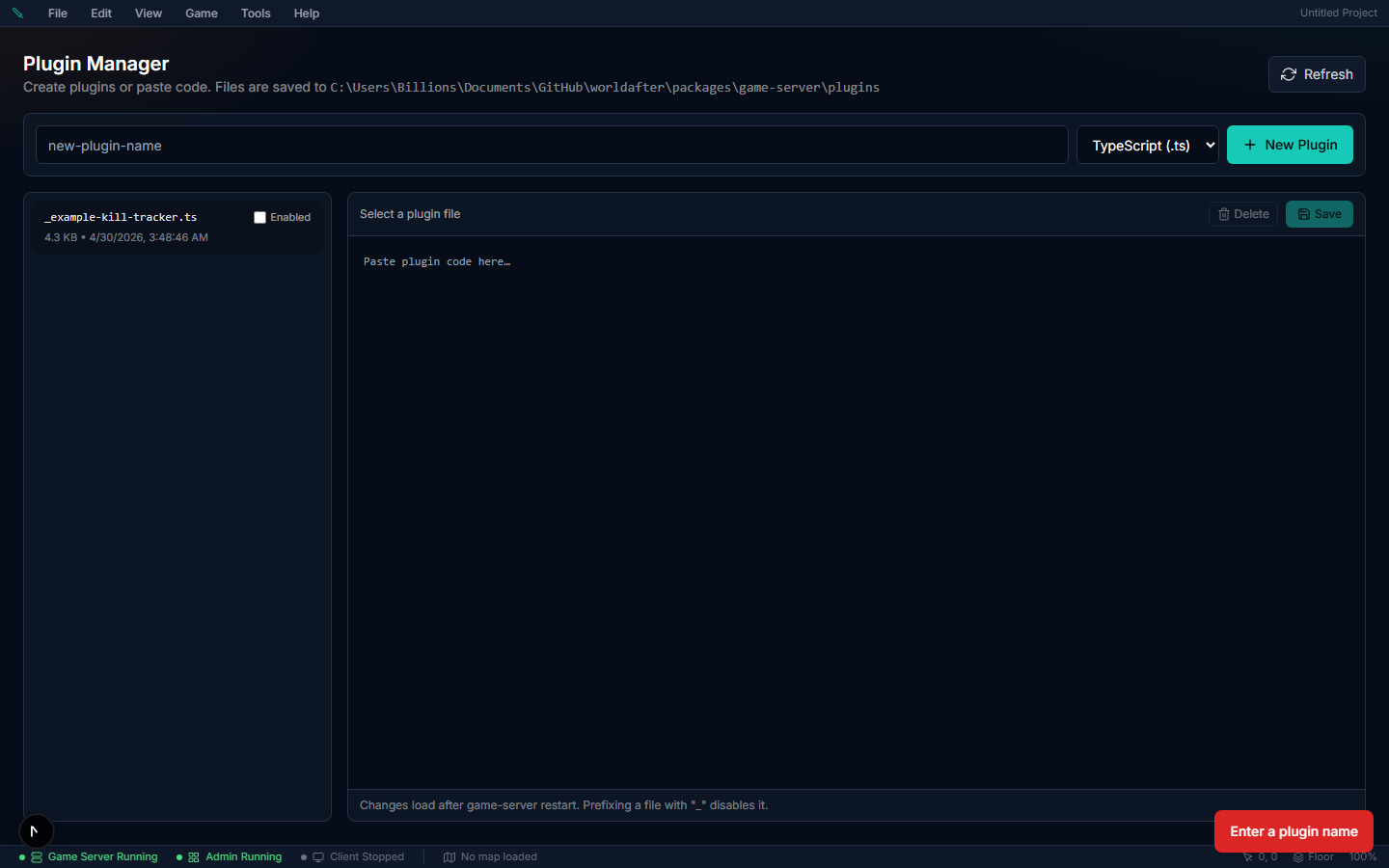
.jsfile in the Plugin editor (Client tab) or theclient-plugins/folder - When a player connects, the server sends all client plugins to their browser
- Each plugin runs with a
ctxobject and interacts with the game only through it
Important: Client plugins must be plain JavaScript (.js).
Sandbox: by default (
sandboxedClientPlugins, on), a client plugin runs inside a QuickJS-WASM isolate with no DOM,window, or globals — it reaches the page only throughctx. In this modeimportlines are stripped and modern (ES2020) syntax is fine. If the sandbox flag is turned off, a legacy path runs the code withnew Functionand full DOM access — only there does ES5-only advice apply. Write for the sandbox: usectx, not the DOM. Unlike server plugins, the clientctxis not capability-gated today.
Game State#
var state = ctx.getState();
// Returns: selfId, selfName, selfPosition, selfHp, selfMaxHp,
// selfMp, selfMaxMp, selfSilver, accountGold, currentZoneId,
// currentZoneName, connected, isDead, isMounted, playerLevel,
// inventory, equipment, skills, activeEffects, activeQuests,
// party, guild, chatMessages, entities, survival, environment

ctx.onStateChange(function() {
  var state = ctx.getState();
  // Update your widgets here...
});
HUD Widgets#
Create floating UI elements on screen:
var widgetId = ctx.createWidget({
  html: "<div>My Widget</div>",
  anchor: "top-right",
  position: { x: 16, y: 80 },
  width: 200,
  height: 100,
  visible: true,
  draggable: true,
  zIndex: 100,
  css: "background:rgba(0,0,0,0.8);color:white;" +
       "padding:10px;border-radius:8px;",
  onClick: function() {
    ctx.addLocalChatMessage("Widget clicked!");
  },
});

ctx.updateWidget(widgetId, { html: "<div>Updated!</div>" });
ctx.removeWidget(widgetId);
Widget Options:
| Property | Type | Default | Description |
|---|---|---|---|
html | string | required | Inner HTML content |
css | string | — | Inline CSS style |
anchor | string | "top-left" | Screen anchor: top-left, top-right, bottom-left, bottom-right, center |
position | {x, y} | {0, 0} | Offset from anchor |
width | number | auto | Width in pixels |
height | number | auto | Height in pixels |
visible | boolean | true | Show/hide |
draggable | boolean | false | User can drag the widget |
zIndex | number | 100 | Layering order |
onClick | function | — | Click handler |
Chat Commands#
ctx.addChatCommand("pos", function(args) {
  var state = ctx.getState();
  ctx.addLocalChatMessage(
    "[Plugin] X=" + Math.round(state.selfPosition.x) +
    " Y=" + Math.round(state.selfPosition.y)
  );
});
Server Communication#
Send and receive data from server plugins:
// Send to server
ctx.send("my-channel", { action: "request-data" });

// Receive from server
ctx.on("my-channel", function(data) {
  ctx.addLocalChatMessage("Server says: " + data.message);
});Timers#
var cancel = ctx.setInterval(function() {
  // runs every second
}, 1000);

ctx.setTimeout(function() {
  ctx.addLocalChatMessage("Timer fired!");
}, 5000);
More client APIs#
Beyond the above, the client ctx also gives you:
ctx.pluginName;                       // this plugin's name (read-only)

ctx.log.info("loaded");               // client logger: info / warn / error (no debug)

// Listen to raw server messages by type (not just plugin channels):
var off = ctx.onServerMessage("EntityUpdate", function (msg) { /* ... */ });
off(); // every subscribe returns an unsubscribe fnctx.on, ctx.onStateChange, ctx.addChatCommand, ctx.setInterval, and ctx.setTimeout all return a teardown function too — call it to stop listening.
Restrictions#
- No direct DOM access — build UI only through
createWidget. Widget HTML is sanitized:<script>, inlineon*handlers,javascript:URLs, and<iframe>/<object>/<embed>/<form>/<meta>/<link>/<base>are stripped. Use theonClickoption for interactivity, not inline handlers. - No access to game engine internals — only the
ctxAPI. - Server communication is named channels carrying arbitrary JSON — not schema-validated, so validate payloads on the server.
- In the sandboxed path, a widget's
onClickreceives no arguments (theMouseEventis only available on the legacy non-sandboxed path).