Full guide to server-side plugin development.
Server Plugins
Server plugins run inside the game server with full access to game events, entities, zones, and player communication.
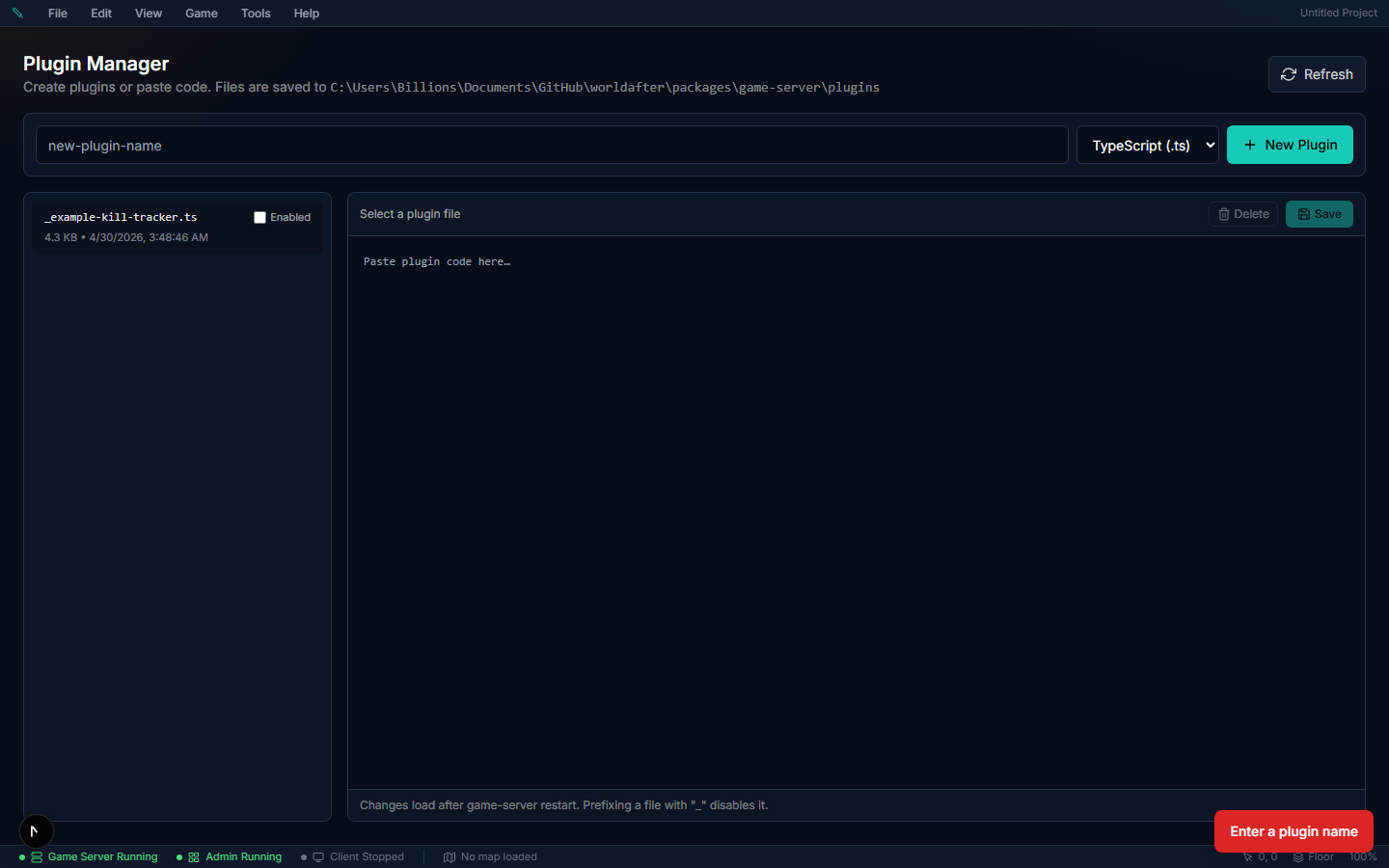
Which API is this? This page documents the trusted
ctx.*API used by file-based (Tier 0) plugins, which run inside the game server with full access to the machine. They load in the desktop app's local server, and on a server you host yourself once you setED5_ALLOW_TRUSTED_PLUGINS=1(see Turning Trusted File Plugins On). They never run on managed hosting. On hosted projects, and by default, plugins run sandboxed and use the capability-gateded5.*API instead (see the Overview). The concepts are the same; the method names differ (ctx.chat…→ed5.chat…,ctx.eventBus.on→ed5.events.on, etc.).
PluginContext API#
The ctx object provides:
Event Subscription#
Trusted file plugins can subscribe to any of the ~50 internal game events via ctx.eventBus.on (sandboxed plugins use ed5.events.on with a smaller allowlist — see the Events Reference):
// Combat events
ctx.eventBus.on("mob:killed", (e) => {
  // e.killerId, e.mobId, e.mobDefinitionId,
  // e.posX, e.posY, e.zoneId, e.mobTier
});

ctx.eventBus.on("damage:dealt", (e) => {
  // e.attackerId, e.targetId, e.abilityId,
  // e.damage, e.isCrit, e.damageType, e.targetHpLeft
});

ctx.eventBus.on("player:killed", (e) => {
  // e.victimId, e.killerId, e.isPvpKill,
  // e.pvpRule, e.zoneId, e.posX, e.posY,
  // e.deathCause ("combat" | "survival" | "environment")
});

// Crafting & Harvesting
ctx.eventBus.on("craft:completed", (e) => {
  // e.playerId, e.recipeId, e.outputItemDefinitionId,
  // e.outputQuantity, e.quality
});

ctx.eventBus.on("harvest:yield", (e) => {
  // e.playerId, e.nodeId, e.resourceType,
  // e.itemDefinitionId, e.quantity, e.zoneId
});

// Progression
ctx.eventBus.on("skill:levelUp", (e) => {
  // e.playerId, e.skillId, e.newLevel
});

ctx.eventBus.on("quest:turnedIn", (e) => {
  // e.playerId, e.questId, e.questName,
  // e.rewardGold, e.rewardXp, e.rewardItemIds
});

// Server lifecycle
ctx.eventBus.on("server:ready", () => {
  ctx.log.info("Server is ready!");
});
All subscriptions auto-clean when the plugin unloads.
Chat Commands#
Register slash commands players type in chat:
ctx.registerCommand("spawn", (entityId, args, rawMessage) => {
  const [mobType, countStr] = args;
  const count = parseInt(countStr) || 1;
  ctx.sendSystemMessage(entityId, `Spawning ${count} ${mobType}`);
}, {
  description: "Spawn mobs (admin only)",
  usage: "/spawn <mobType> [count]",
  minArgs: 1,
  adminOnly: true,
});
CommandOptions:
| Option | Type | Description |
|---|---|---|
description | string | Shown in /help |
usage | string | Usage hint |
minArgs | number | Required argument count |
adminOnly | boolean | Admin/GM only |
Player Messaging#
ctx.sendSystemMessage(entityId, "You found a rare item!");
ctx.broadcastSystemMessage("World boss spawning in 60 seconds!");
Custom Intents#
Handle custom client-to-server actions:
ctx.registerIntent("MyCustomAction", (entityId, data) => {
  ctx.log.info(`Player ${entityId} sent: ${JSON.stringify(data)}`);
});Timers#
const cancel = ctx.setInterval(() => {
  ctx.broadcastSystemMessage("Event reminder!");
}, 5 * 60 * 1000);

ctx.setTimeout(() => {
  ctx.broadcastSystemMessage("Event starting NOW!");
}, 60 * 1000);
All timers auto-cancel on plugin unload.
Data Store#
In-memory key-value storage scoped to your plugin:
ctx.setData("leaderboard", new Map<string, number>());
const board = ctx.getData<Map<string, number>>("leaderboard");
Persists while the server runs, resets on restart.
Entity & Zone Access#
const entity = ctx.entities.get(entityId);
const zone = ctx.zones.getZone("starting_zone");Logging#
ctx.log.info("Plugin started");
ctx.log.warn("Low resources");
ctx.log.error("Something failed", error);
ctx.log.debug("Trace info");
All logs are auto-prefixed with the plugin name.
Complete Example: Kill Tracker#
import type { PluginDefinition } from "../src/core/plugin-system.js";

const killCounts = new Map<string, number>();

const plugin: PluginDefinition = {
  name: "kill-tracker",
  version: "1.0.0",
  description: "Tracks mob kills and awards milestones.",

  register(ctx) {
    ctx.eventBus.on("mob:killed", (event) => {
      const count = (killCounts.get(event.killerId) ?? 0) + 1;
      killCounts.set(event.killerId, count);

      if (count === 10) {
        ctx.sendSystemMessage(event.killerId, "Novice Slayer — 10 kills!");
      } else if (count === 100) {
        ctx.sendSystemMessage(event.killerId, "Veteran Hunter — 100 kills!");
      } else if (count === 1000) {
        ctx.sendSystemMessage(event.killerId, "Legendary Champion — 1000 kills!");
      }
    });

    ctx.registerCommand("kills", (entityId) => {
      const count = killCounts.get(entityId) ?? 0;
      ctx.sendSystemMessage(entityId, `You have ${count} mob kills.`);
    }, { description: "Show your kill count" });

    ctx.registerCommand("killboard", (entityId) => {
      const sorted = Array.from(killCounts.entries())
        .sort((a, b) => b[1] - a[1])
        .slice(0, 5);
      const lines = sorted.map(([id, count], i) =>
        `${i + 1}. ${id.slice(0, 8)}... — ${count} kills`
      );
      ctx.sendSystemMessage(entityId,
        `Kill Leaderboard:\n${lines.join("\n")}`);
    }, { description: "Top 5 killers" });

    ctx.setInterval(() => {
      const total = Array.from(killCounts.values())
        .reduce((a, b) => a + b, 0);
      if (total > 0) {
        ctx.broadcastSystemMessage(`${total} mobs slain this session!`);
      }
    }, 10 * 60 * 1000);
  },

  unregister() {
    killCounts.clear();
  },
};

export default plugin;