Create dialogues, cutscenes, and interactive triggers — no code needed.
Events & Cutscenes
The event system lets you create interactive story moments, dialogues, gameplay triggers, and cinematic sequences — all visually, without writing any code.
Event Types
Zone Events
Placed directly on the map at specific tile coordinates. Each zone event has:- Position — X/Y tile coordinates on the map
- Graphic — optional sprite to display on the map (a chest, a glowing crystal, etc.)
- Pages — multiple event pages with different conditions and command sequences
- Trigger — when the event activates: action button press, player touch, autorun, or parallel process
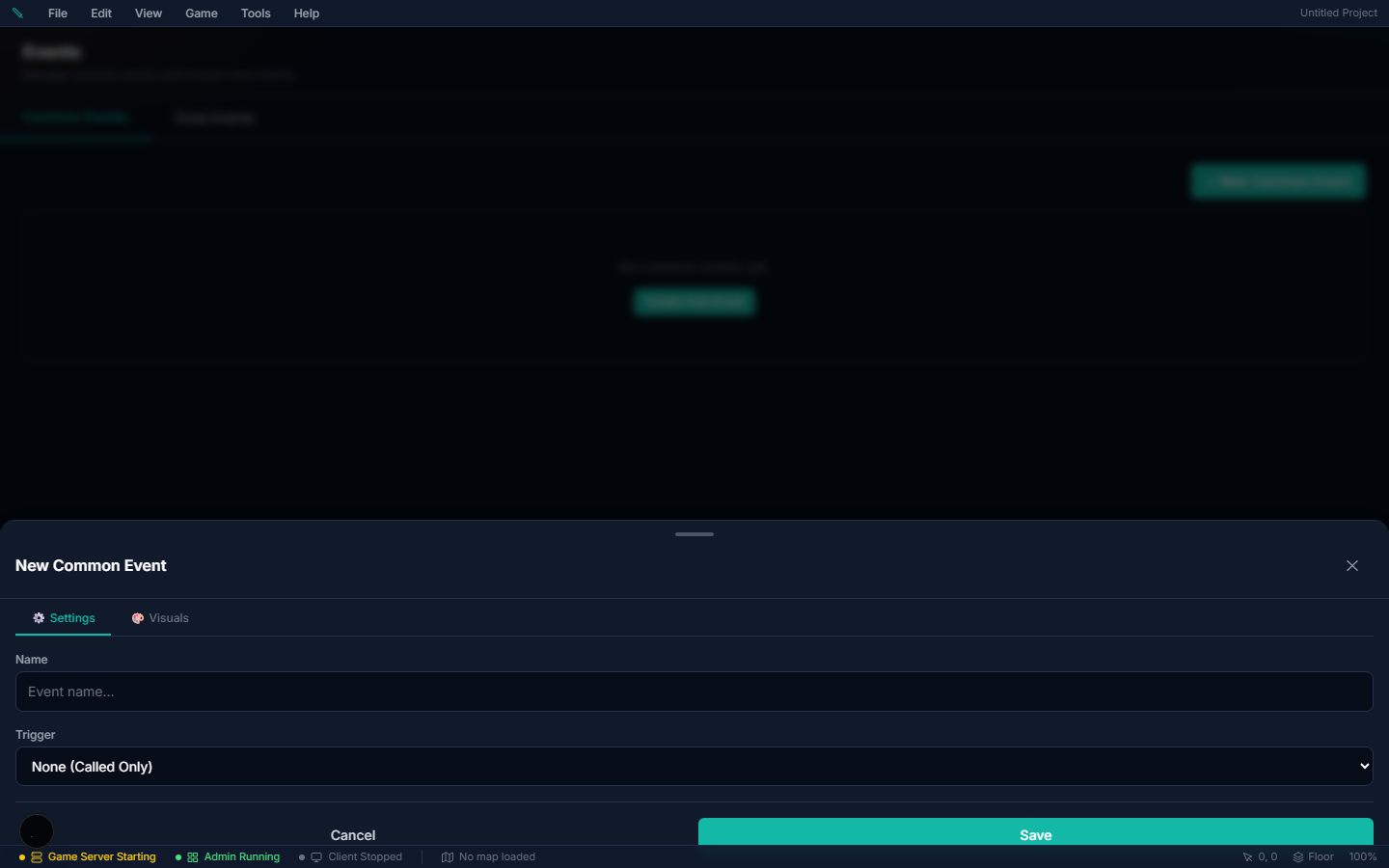
Common Events
Global events shared across all zones. Useful for reusable dialogue sequences, system-wide triggers, or conditional autorun events tied to switches.Event Movement
Each page has its own movement settings, so the same event can pace in one state and stand still in another. You set them per page in the event editor's Movement group, beside Trigger and Priority:
| Setting | What It Does |
|---|---|
| Move type | Fixed (stays put), Random (wanders a tile at a time), Approach (walks toward the nearest player), or Custom route (follows the steps you author) |
| Move speed | How fast it covers a tile, 1–6. 4 (Normal) is about a quarter-second per tile; each step of the dial halves or doubles that, from x8 Slower to x4 Faster |
| Move frequency | How long it waits between steps, 1–5. Highest never pauses, Normal waits a second, Lowest waits two |
| Walking animation | Plays the sprite's walk cycle while it moves. On by default |
| Stepping animation | Idles in place with a gentle step even when it isn't going anywhere |
| Direction fix | Locks the facing so the sprite never turns |
Facing uses the RPG Maker numbering — 2 down, 4 left, 6 right, 8 up — and picks the matching row of the character's walk block.
Speed and frequency are two separate dials and it is worth keeping them straight: speed is how quickly the event crosses a tile, frequency is how long it stands still afterwards. A fast event that rarely moves is speed 6 / frequency 1; a slow constant patrol is speed 2 / frequency 5. Both are imported from RPG Maker projects and keep their original values, so a map you bring over paces the way it did there.
Editing Many Events at Once
You can select a group of events and change, copy, move or delete them together, both for the events on a map and for common events.
Where to find it
- Map events: Zones → open a map → Events mode → the Events panel in the sidebar.
- Common events: the book icon at the top of that same Events panel opens Common Events. The Common Events tab of the Events page has bulk Edit and Delete too.
Map events: how to use it
1. Tick the checkbox beside each event in the Events panel, or Ctrl-click (Cmd-click on Mac) the rows. Select all ticks every event the search box is showing, so search for "chest" first to pick every chest on the map. 2. A bar with Edit, Duplicate, Move and Delete appears at the bottom of the panel. 3. Pick an action (see the table below). 4. Save the map. Bulk changes are map edits like any other and are not kept until you save.
| Action | What it does |
|---|---|
| Edit | Opens a form. Tick only the fields you want to change. Anything you leave unticked keeps each event's own value |
| Duplicate | Copies each event one tile down and to the right, including its pages, conditions and commands. The copies become the selection, so you can Move them into place next |
| Move | Shifts every selected event by the X and Y tiles you enter. Negative numbers move left and up |
| Delete | Removes the selected events from the map after you confirm |
Map events: fields you can bulk edit
Page settings are written to every page of each event, so a chest with a closed page and an open page gets the change on both.
| Field | What it does |
|---|---|
| Trigger | Action Button, Player Touch, Event Touch, Autorun or Parallel |
| Priority | Whether the event draws below, level with, or above characters |
| Movement | Fixed, Random or Approach |
| Move speed | 1 (x8 slower) to 6 (x4 faster). 4 is normal |
| Move frequency | 1 (lowest) to 5 (highest) |
| Walking animation | Plays the walk cycle while the event moves |
| Stepping animation | Steps in place even while standing still |
| Direction fix | Stops the sprite from turning |
| Through | Players and other events can walk over it |
| Show name on map | The event's name label in the editor. Players never see it |
Common events
1. In Common Events, tick the events you want in the list on the left. Select all sits above the list. 2. Use Edit to set Trigger (None, Autorun or Parallel) and Trigger switch on all of them. Use Duplicate to copy them, or Delete to remove them. 3. Click Save to keep an Edit or a Duplicate. Delete takes effect as soon as you confirm, just like the trash icon on a single event.
Gotchas
- Edit and Duplicate only apply to scripted (core) events. Quick placed events have no pages, so if your selection mixes both kinds, those two buttons act on the core events only. Move and Delete work on both.
- A move that would push any event off the map is refused. Nothing moves at all, so the group keeps its shape. Use a smaller offset, or move the events at the edge on their own.
- Commands, conditions, graphics and custom movement routes are not in the bulk form. Each event keeps its own. Edit those in the event editor.
- Deleting a common event makes any event that calls it silently skip the call.
- Select all only picks what you can see. Events hidden by the search box are never changed.
- Priority now works everywhere. Priorities set in the event editor used to be saved in a form the game ignored, so every event drew level with characters. The game now reads those saved values correctly on a server running this version or later. Events that run in Client Runtime only pick up the fix after you set their Priority again and save. Selecting them all and using bulk Edit does it in one pass.
- There is no feature flag. Bulk editing is part of the event system.
Bound NPC — an event that is an NPC's script
A Bound NPC turns a map event into the script of a real NPC. The event stops being a thing on the map: it has no sprite, its tile does nothing, and it runs when the player talks to that NPC instead. The NPC is the body; the event is what it says and does.
This is how you keep an RPG Maker townsperson's logic once it has become a proper NPC. In RPG Maker a villager is a map event — a character graphic plus its dialogue, choices, item gifts, quest steps and shop calls. After the villager is made into an NPC (so it has a nameplate, can walk its routine, and shows up in the NPC editor), bind the old event to it and the player sees one villager who still says and does everything the original did.
Where to set it
Zones → open a map → double-click the event → Details → Bound NPC.
How to set it up
1. Make sure the NPC exists in Database → NPCs and is placed in the same zone as the event. 2. Open the event in the zone editor (double-click it on the map). 3. In the Details card, pick the NPC from the Bound NPC dropdown. Type to search by name. 4. Click Save, then save the map. The binding reaches your game the same way any other event edit does. 5. Walk up to the NPC in game and talk to it — the event's page runs.
To undo it, set Bound NPC back to None: the event becomes an ordinary event on its tile again, with its own sprite.
Fields
| Field | What it does |
|---|---|
| Bound NPC | The NPC whose conversation runs this event. None (the default) = an ordinary map event triggered from its own tile |
Everything else on the event — pages, conditions, commands, self switches — works exactly as before. Only how the event starts changes.
What runs when the player talks to the NPC
- The event's active page is chosen exactly as for an Action Button press: the highest-numbered page whose conditions the player meets. A villager who says something new after a quest step keeps doing so.
- Pages with an Action Button, Player Touch or Event Touch trigger all run on talk (RPG Maker's action button fires all three).
- If the active page has no commands — or there is no bound event at all — the NPC's own window opens instead (its greeting, shop, quests, roles). So a bound event with an empty "after the story" page hands the conversation back to the NPC.
- Talking to the NPC again while its script is still running (a text box is open) does nothing — the script keeps the conversation.
Gotchas
- The event is invisible and has no tile. It is never drawn, never clickable, and standing on or next to its tile does nothing. It only runs through the NPC — or through its own Autorun / Parallel pages.
- Autorun and Parallel pages still run on their own, exactly as on an ordinary event. They are not started by talking to the NPC.
- One event per talk. If several events in the zone are bound to the same NPC, they are tried in the zone's event order and the first whose active page has something to run wins; the rest are skipped for that conversation. Keep it to one bound event per NPC per zone unless you are deliberately using conditions to hand off between them.
- The binding is per zone. The event only answers for that NPC while the NPC stands in the event's zone.
- Commands aimed at "This Event" (movement routes, balloons, animations, Set Event Location) act on the invisible event, not on the NPC. To move or emote the villager, target the NPC.
- Bound events always run on the server, even if the event is set to Client Runtime.
- Erase Event on a bound event removes the script for that player, so the NPC falls back to its own window.
- There is no feature flag — Bound NPC is part of the event system.
Building Events
Events are built by adding commands in sequence. The editor shows a visual command list — click to add, drag to reorder, and double-click to edit parameters.
Dialogue & Input Commands
| Command | What It Does |
|---|---|
| Show Text | Display NPC dialogue with portrait and positioning |
| Show Choices | Present branching dialogue options the player can pick from |
| Input Number | Ask the player to enter a number |
| Select Item | Ask the player to choose an item from inventory |
| Show Notification | Display a toast popup |
| System Message | Show a server-style announcement |
Game Progression Commands
| Command | What It Does |
|---|---|
| Change Gold | Give or take gold |
| Change Items | Give or take items |
| Change Bag Slots | Add, remove or set the player's extra bag slots (more bag pages) — see Bag Slots & Pages |
| Change EXP | Grant experience points |
| Change Level | Modify player level |
| Change HP / MP / Stamina | Modify vitals |
| Recover All | Full HP/MP/stamina restore |
| Change State | Apply or remove a status effect |
| Change Skill | Teach or remove an ability |
| Change Skill XP | Grant skill-specific experience |
| Change Equipment | Equip or unequip items |
Quest Commands
| Command | What It Does |
|---|---|
| Start Quest | Begin a quest for the player |
| Complete Quest | Mark a quest as done |
| Fail Quest | Fail an active quest |
| Advance Quest Objective | Manually increment a quest counter |
Flow Control
| Command | What It Does |
|---|---|
| Conditional Branch | If/else decisions based on switches, variables, items, skills, quests, etc. |
| Loop / Loop End | Repeat a block of commands |
| Break Loop | Exit the current loop |
| Label / Jump to Label | Named jump points for non-linear flow |
| Call Common Event | Run a shared event as a subroutine |
| Wait | Pause for a set duration |
| Exit Event | Stop the event immediately |
Variables & Switches
| Command | What It Does |
|---|---|
| Control Switches | Set boolean flags (on/off) — used for tracking story progress |
| Control Variables | Math on variables: set, add, subtract, multiply, divide, modulo |
| Control Self-Switch | Flags specific to one event instance |
| Control Timer | Start or stop a visual countdown timer |
Variable sources include constants, other variables, random ranges, and game data (player gold, HP, position, level, etc.).
Movement & Teleportation
| Command | What It Does |
|---|---|
| Transfer Player | Teleport the player to a different zone + coordinates |
| Set Event Location | Move an event to a new position on the map |
| Set Movement Route | Script NPC walking paths |
#### A route's facing is temporary
A movement route changes how an event looks — the direction it stands in. That is a look, not a fact about your world, so a few seconds after a one-off route finishes the event goes back to the facing its page authors.
This is what makes the classic door event work on a shared map. A door that opens with Play SE → Set Movement Route (turn) → Transfer Player is a door that shuts again for the next player, instead of standing open for everybody until the server restarts.
It does not happen when:
| The event | Why it keeps its new facing |
|---|---|
| Has a repeating route | A loop never finishes; it owns the look while it runs |
| Has Autonomous Movement other than Fixed | A wandering or patrolling event owns its own facing — it is never snapped back mid-patrol |
| Has Direction Fix ticked on the page | You pinned the facing |
| Turns Direction Fix on inside the route, and leaves it on | Same, said in the route instead |
| Has no graphic on the page | There is no authored look to return to |
So: if a route is supposed to park an event facing a new way for good — a lever thrown, a statue turned — end the route with Direction Fix ON, or say it on the page. Everything else swings back, which is almost always what a door wants.
Republishing a map also resets this, so an admin publish puts every event back to its authored graphic.
Visual Effects
| Command | What It Does |
|---|---|
| Fadeout / Fadein Screen | Screen fade transitions |
| Tint Screen | Color overlay (e.g., red flash for damage, blue for underwater) |
| Flash Screen | Brief bright flash |
| Shake Screen | Camera shake |
| Show Animation | Play a VFX on a character |
| Show Balloon | Display an emotion icon above a character |
| Set Weather | Change the current weather |
| Show/Move/Rotate/Tint Picture | Display and animate UI images |
Audio
| Command | What It Does |
|---|---|
| Play/Fadeout BGM | Background music control |
| Play/Fadeout BGS | Ambient sound control |
| Play/Stop SE | Sound effects |
MMO-Specific
| Command | What It Does |
|---|---|
| Open Shop | Open an NPC shop for the player |
| Spawn Mob | Spawn a specific mob at a location |
| Apply/Remove Status Effect | Add or remove buffs/debuffs |
| Show/Close Custom UI | Display custom interface panels |
Conditional Branches
The Conditional Branch command is the backbone of dynamic content. You can test:
- Switches — is flag #N on or off?
- Variables — is variable #N equal to / greater than / less than a value?
- Item count — does the player have N of item X?
- Skill level — is the player's skill at level N?
- Quest status — is quest X active / completed / failed?
Example: Simple Quest Dialogue
Here's how you might set up a quest-giving NPC event:
1. Show Text — "Well met, traveler. The forest is overrun with slimes." 2. Show Choices — "I'll help!" / "Not interested." 3. If "I'll help!": - Conditional Branch — check if quest "Clear the Forest" is not started - Show Text — "Excellent! Defeat 10 Forest Slimes and return to me." - Start Quest — "Clear the Forest" - If quest already active: Show Text — "Still working on it? Keep at it!" 4. If "Not interested": - Show Text — "Come back if you change your mind." - Exit Event
Cinematic Sequencer
Event commands are perfect for dialogue and in-line scripted moments, but for fully directed cutscenes there's a dedicated Cinematics editor — a timeline sequencer. Instead of a linear command list, you arrange tracks on a timeline:
- Camera — pans, zooms, and focus targets over time
- Actors — move and animate characters/NPCs along the timeline
- Dialogue — timed lines and portraits
- VFX — trigger visual effects at exact moments
- Audio — music, ambience, and SFX cues (see Sound Studio)