Hosted Studio with license tiers, hosted Postgres, and BYO-DB.
Studio Web & Hosted Projects
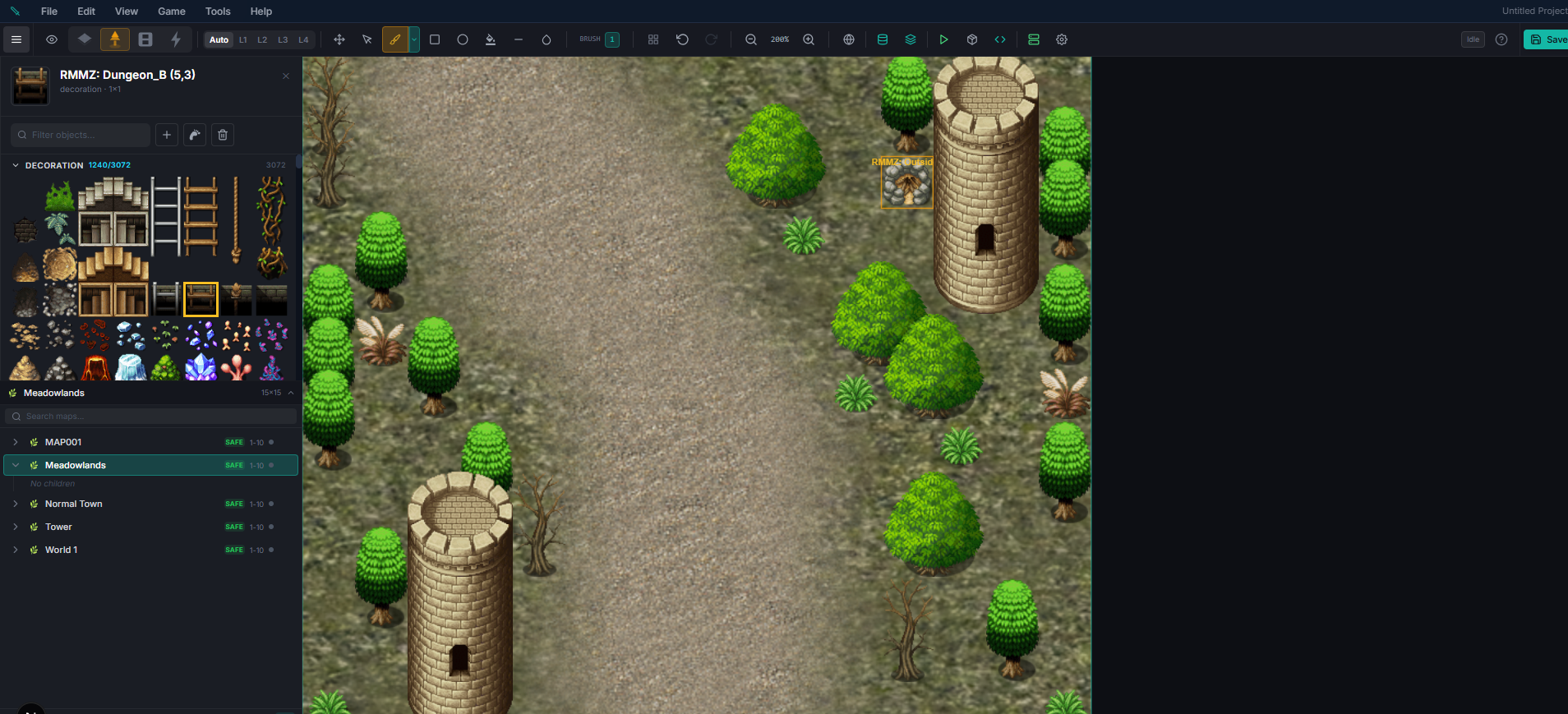
When to Use Studio Web vs Desktop Studio
| Studio Web | Desktop Studio | |
|---|---|---|
| Install | Nothing — browser only | Download installer |
| Database | Hosted Postgres or your own BYO-DB | Local PGlite (default) |
| Tier gating | Features gated by license tier | Full-tier on localhost |
| Best for | Remote teams, quick prototyping | Solo devs, offline work, large imports |
License Tiers
| Tier | Includes |
|---|---|
| Indie | Full editors, local CRUD, small-scale authoring |
| Studio | Map generation, streaming zones, larger quotas |
| Enterprise | Everything, team seats, priority support |
Tier is enforced at the server action boundary — for example, both generateZoneChunksV2 and createStreamingChildZone reject Indie-tier callers with code: "TIER_REQUIRED". The UI disables the corresponding buttons with an inline upgrade CTA so there's no way to silently bypass it.
Upgrading a Tier
Upgrades are prorated — you pay only the price gap between your current tier and the target tier (for example, Indie → Studio is $150, not the full Studio price). Buttons on your account dashboard show the prorated cost.
Hosted Project Modes
When you create a project on Studio Web, choose one of two database modes:
Hosted (Managed Postgres)
We provision a dedicated schema on a managed Postgres instance for your project. No setup, automatic backups. Best for most users.
The database is built in the background. Creating a hosted project returns straight away; the schema, its migrations, the starter world and the demo art then build behind it, and the dashboard shows the project as Provisioning with Open held until it is ready. A full starter world with demo art takes a few minutes. You can leave the page — the build carries on without the tab, resumes from wherever it got to if anything interrupts it, and the project flips to ready on its own. If a build genuinely fails, the dashboard says why, and opening the project retries from the step that failed rather than from the beginning.
BYO-DB (Bring Your Own Database)
Connect Studio Web to a Postgres database you own — Supabase, Neon, RDS, your own VPC. Your game data never leaves your infrastructure. Required for compliance scenarios and for running the game server on your own hosting.
To use BYO-DB:
1. Create the database and enable the uuid-ossp and pg_trgm extensions.
2. Copy the transaction-mode pooler URL (not the direct connection URL).
3. In Studio Web, pick BYO-DB when creating the project and paste the URL.
4. We run migrations against your database and seed defaults. Your admin panel then talks to that database directly.
Runtime Notes
- Your plan tier is resolved from your ED5 account each time the editor loads, then cached for the session.
adminrole maps toenterprisetier; active licenses map to their purchased tier; trial accounts map toindie.