Guilds, parties, friends, alliances, and zone control.
Guilds & Social
Parties#
Players can form parties of up to 4 members by default (configurable in Database → Tuning → Party / Raids / Loot, and raids group several parties together):
- Loot mode — free-for-all, round-robin, leader, first-come-first-served, need/greed rolls, or master looter, with per-rarity rules for which drops go to a roll. Every party starts in the default mode you pick; the leader can switch to any allowed mode in Fellowship → Party
- XP mode — individual (shared by damage) or split evenly between nearby members
- Party chat for private communication
- Party leader can invite and kick
See Parties & Raids for every setting, how rolls work, raids and the gotchas.
Guilds#
Guilds are persistent groups of up to 50 members (the cap is a world setting) with:
- Custom ranks — a permission-based rank hierarchy you author, with a member roster, promote/demote/kick, and leader-leave-disband
- Guild treasury — shared gold pool with deposit/withdraw tracking
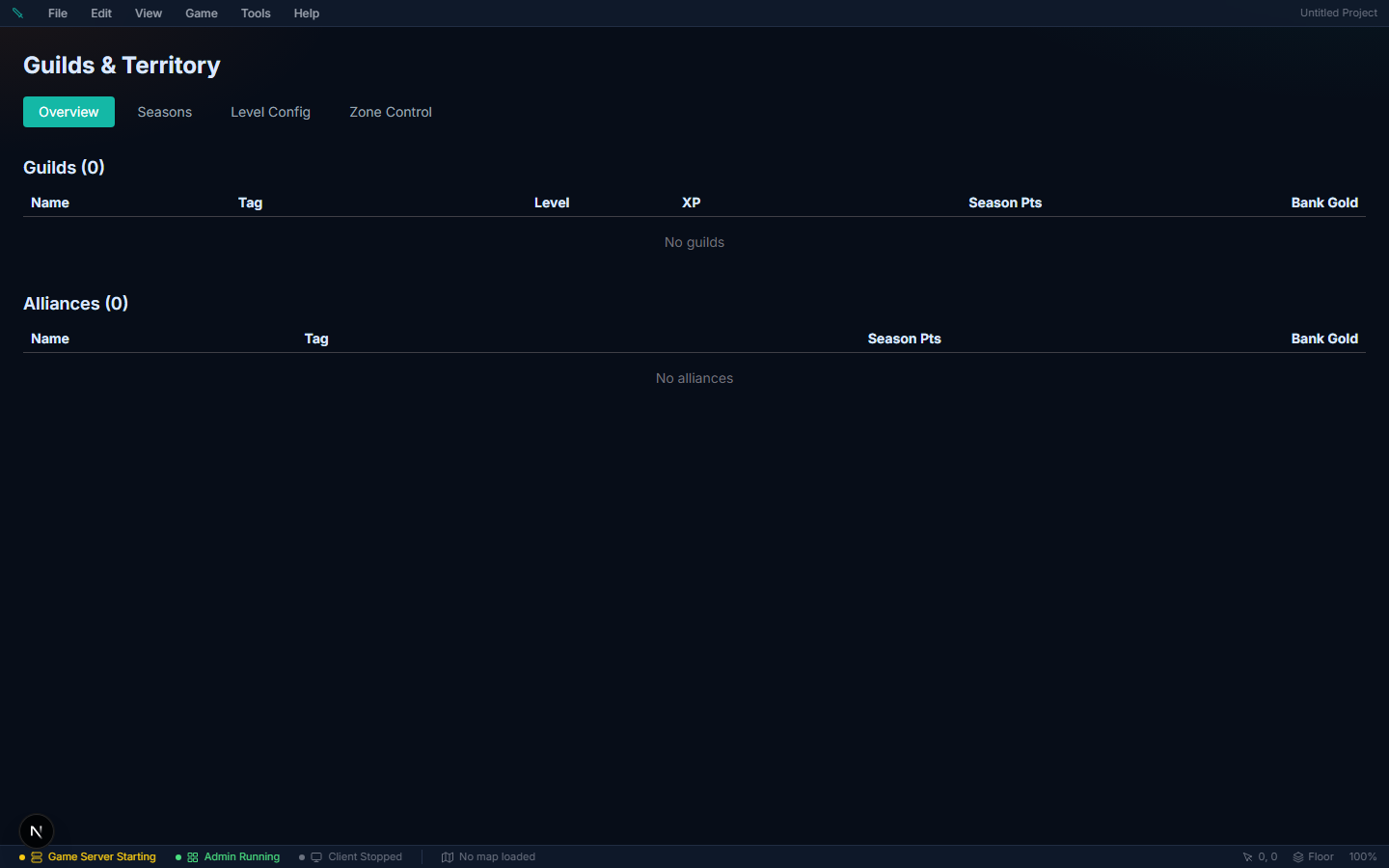
- Territory control — guilds can claim and manage zones
- Alliances — formal ties with other guilds
- Guild XP and levels — guilds progress on their own curve, up to level 50
Guild Permissions#
Each rank you author grants any combination of these:
| Permission | Description |
|---|---|
| Invite | Send guild invitations |
| Kick | Remove members |
| Promote | Change a member's rank |
| Manage Ranks | Create ranks and edit their permissions |
| Withdraw Bank | Take gold from the guild treasury, and buy guild upgrades with it |
| Set Tax | Set the guild's mob tax, and the tax rate on open plots |
| Edit Buildings | Build and edit on guild-owned land |
| Manage Open Plots | Administer plots the guild has opened to members |
| Manage Zone Control | Claim and release zones |
| Manage Alliance | Form and break alliances |
Founding a guild#
By default any player can open Fellowship → Guild and press Create Guild. Two independent controls change that:
| Control | Where | What it does |
|---|---|---|
| Create Guild button | UI Editor → Panels → Guild | Hides the button. Presentation only — it does not stop anyone founding a guild, it just removes the always-available route |
| Required quest | Admin → Guilds → Level Config → Founding & tax | A player must have turned in that quest first. Enforced by the server on every route |
Those two are meant to be used together. Hide the button, require a quest, and guild founding becomes something the player earns and then claims from a person — instead of a menu item that was there from character creation.
Three routes lead to the create-guild window, and all three obey the required quest:
- The panel button — Fellowship → Guild → Create Guild, when the button is shown.
- A guild registrar NPC — give any NPC the Guild Registrar role (NPC editor → Roles). They offer "I'd like to found a guild." in conversation. The option only appears for players who could actually go through with it, so it is never a dead end.
- An event — the Show/Hide Menu event command with menu Create Guild window. Use it to open the form at the end of a cutscene, on entering a hall, or as a quest reward step.
Guild upgrades#
Set how guilds advance in Admin → Guilds → Level Config → How guilds advance:
| Mode | Meaning |
|---|---|
| Activity only | Levels come from the XP curve alone — kills, quests, crafting, territory. The historical behaviour, and the default |
| Guild bank only | Levels are bought with banked silver. XP still accrues and displays, but never grants a level |
| Either | Both routes work |
When the bank route is on, the guild panel shows an Upgrade card: the cost, what the level grants, and a button that spends the bank. Buying an upgrade needs the Withdraw Bank permission — it is a withdrawal in everything but name.
Cost is a curve, like XP: First upgrade cost is level 1 → 2, and Cost growth per level multiplies it each level after. The editor previews the first three steps as you type.
What a level is worth — under Member capacity:
| Field | Effect |
|---|---|
| Members at level 1 | The cap a brand-new guild has. 0 means "start from the flat world cap in Game Config", so you can set only the growth below |
| Extra members per level | Slots added per level above 1. With both fields at 0 — the default — levels never change the cap |
So base 20 with 5 per level gives a level-1 guild 20 seats and a level-5 guild 40. The panel shows members as 12/40, and invites are refused at the cap.
Guild tax on mob silver#
A guild can take a cut of the silver its members loot from mobs, straight into the guild bank. This is what funds bank-bought upgrades.
- The creator sets the ceiling — Admin → Guilds → Level Config → Maximum guild tax on mob silver. Default 10%. Set it to 0 to remove the tax control from the game entirely.
- The guild sets its own rate — a leader (or any rank holding Set Tax) drags the slider in Fellowship → Guild, up to your ceiling.
- Members see the rate and what it has raised, so it is never a silent skim. Loot messages read "You looted 47 silver (2 to your guild).", and the cut also floats over the player as they pick the pile up — +47 silver with -2 guild tax (5%) underneath it.
Gotchas
- The tax applies to mob coin piles only — not player-versus-player loot, not quest rewards, not sales. It is taken once, where the silver reaches the wallet, so it applies identically whether the player walks over the pile, clicks to loot it, or a pet vacuums it up.
- A tax never takes the whole pile. There is always at least 1 silver left, so members don't see "You looted 0 silver" and read it as a bug.
- Tax and upgrades are independent — you can run a tax with the XP-only upgrade mode; the bank just fills up for withdrawals instead.
- The guild bank holds at most 2,147,483,647 silver. A deposit that would pass it is refused. The guild's cut of mob drops (the tax) stops being taken once the bank is full, so members keep the whole drop. See the largest balance the game stores.
Guild Seasons#
Guilds compete over defined seasons (upcoming → active → ended). Points accrue from what the guild actually does, each source weighted by you:
| Source | Earns points for |
|---|---|
| Boss kill | Downing a boss |
| Zone captured / defended | Territory warfare |
| Quest completed | Member quest turn-ins |
| Craft item | Production |
| PvP kill | Open-world kills |
| Skill level up | Member progression |
| Member XP | Raw activity |
| Daily activity | Showing up |
Alliances#
An alliance is a pact between guilds — up to 5 guilds, including the one that founded it. Allied players count as allies in combat (they can't damage each other), share the alliance tag on their nameplates, and can hold territory together.
Forming one#
Players do all of this in game, in Fellowship → Alliance (the same panel as Party, Friends and Guild):
- Be in a guild, on a rank that holds the Manage Alliance permission. The guild leader always does; grant it to an officer rank in Fellowship → Guild → Ranks if you want them to help.
- Open Fellowship → Alliance and choose Create Alliance.
- Give it a name (3–24 characters) and a tag (2–4 letters or digits). Both must be unique across the world. The tag is what shows on nameplates, so keep it short and readable.
- To bring in another guild, paste their guild ID into the invite box and choose Invite. A leader of that guild sees the invite on their own Alliance tab and has 2 minutes to answer.
Roles#
| Role | Who | Can do |
|---|---|---|
| Leader guild | The guild that created the alliance | Invite guilds, remove guilds, disband the alliance |
| Member guild | Every guild that accepted an invite | Leave the alliance |
The leader guild can't leave — disbanding is the only way out for them, and it removes every guild at once. Only a rank holding Manage Alliance can accept, leave, kick, or disband on its guild's behalf.
What an alliance does#
- Allies in combat — allied players can't damage each other, exactly like guildmates. Healing and buffs land on them normally.
- Nameplate tag — every member's plate reads
Guild Name > [TAG]. See Nameplates for how to style or hide it. - Nameplate color — allied players get their own relation color, distinct from guildmates.
- Shared alliance bank and season points, and alliance-level territory control.
Alliance membership is saved, so it survives a server restart. Turn the whole system off with the guildAlliances feature flag — the Alliance tab disappears and the intents are refused. It also needs guilds on; with guilds off the tab is hidden regardless.
Chat Channels#
Chat is split into channels, and the channel decides who hears you and how it renders:
| Channel | Reach |
|---|---|
| Say / Local | Nearby players only (~14 tiles) — the only channel that pops an overhead speech bubble, and the default |
| Zone | Everyone on the same map, log only |
| Global | The whole world, log only |
| Party | Your party |
| Guild | Your guild |
| Whisper | One player |
| System | Server messages |
There is no separate alliance channel — allied guilds talk on Global, Zone or whispers. NPC barks and ambient chatter use the same say channel, so NPCs bubble exactly like players do. A short engine cooldown (half a second between lines) throttles spam. See Chat for commands, limits and moderation.
Whispering#
Three ways to whisper, all equivalent:
/w Name message(or/whisper) — works even when the player isn't on screen; the server resolves the name across the whole world and answers "Player not found or offline." if it can't.@Name message— typing@pops a name autocomplete of nearby players; a message that starts with@Nameis delivered as a whisper./r messagereplies to whoever whispered you last, and right-clicking a name in the chat log offers Whisper directly.
Friends#
Players find each other by name in Fellowship → Friends, send a request, and then see who is online and on which map. The same tab holds each player's block list (soft or full block). See Friends & Blocking for what each block type really stops, the limits and the gotchas.
Mail#
Players send each other letters with silver attached, online or offline, and the game uses mail to deliver offline market proceeds and overflow shop purchases. See Mail for the fixed rules (postage, inbox size, expiry), system mail and the gotchas.